Strategus OneThe AI system for your PC

Morana by Strategus One

Morana is the AI system for your PC.

She talks with you, stays visible and connects apps, files, mail, calendars and tasks into controlled workflows on your PC.

  • Speech becomes action.
  • Morana works across multiple programs.
  • You stay in control at all times.

Morana introduces herself

In the video, Morana explains what Strategus One is about.

Morana introduces herself and explains how speech, presence and control come together in Strategus One.

  1. 01
    You say what you need. A normal sentence is enough to start Morana.
  2. 02
    Morana connects the next steps. Apps, files and tasks visibly work together.
  3. 03
    You keep the overview. What happens and what was completed stays traceable.

Beta

Test Morana where she really matters.

The beta is for everyone who wants not only to see Morana, but to experience her on their own computer and test her in everyday work.

/beta/

Morana Beta

Test early access.

Experience Morana on your own computer with voice, visible presence and real everyday workflows.

  • Early access to real use
  • Find out directly whether Morana fits you
Go to Beta
/development/

Development

Transparent progress.

See what already works and what comes next.

  • Current status and next steps in one place
  • For everyone who wants to follow Morana's development
Go to Development

Everyday

The dashboard turns Morana into your work hub.

Overview, priorities and next steps come together here, so Morana does not just react but structures your day.

Dashboard

Your day starts with overview instead of searching.

Morana brings tasks, hints and next steps together in one place. Many separate points become a clear start to the day.

  • Important tasks and hints in one place.
  • Less switching between windows and contexts.
Connects work

Morana connects what otherwise stays separate.

Instead of jumping between apps, files and appointments, you give a goal. Morana brings the right steps together into a useful workflow.

  • Connects mail, calendars, tasks and files into one context.
  • Turns several individual steps into a result.
Files & filing

Finds and organizes instead of only searching.

Morana helps you find content again and restore order instead of only returning matches.

  • Cleanly separates mixed screenshots, documents, source code and configurations
  • Derives file names and folders from content instead of only reading file extensions
Multiple steps

Multiple steps, one goal.

Morana brings connected steps together into a clear result instead of only executing individual commands one after another.

  • Connected steps instead of individual clicks
  • Even multiple steps stay easy to understand

Memory & knowledge

Morana keeps what is relevant to you.

Approved context, personal preferences and selected knowledge help Morana work more meaningfully in everyday use without taking control out of your hands.

Everyday

Less repetition in daily work.

Recurring tasks become easier because Morana can carry relevant context forward.

Context

Relevant information stays connectable.

What matters to you can be reused meaningfully in later workflows.

Knowledge

Approved knowledge helps at the right moment.

Morana works with the knowledge you select and approve, not with an unclear black box.

Control

Context stays adjustable and controllable.

You decide which context stays, what gets adjusted and what should no longer be used.

Flexible setup

Morana adapts to your setup.

Whether local, online or combined: Morana stays flexible and grows with the way you work.

Use

Local, online or combined.

Morana adapts to how you want to work and which kind of support fits your day.

Openness

Not tied to a single AI service.

You do not have to commit to one single path for Morana to stay useful to you.

Workflow

Grows with the way you work.

When your setup changes, Morana stays flexible instead of forcing you into a rigid model.

AI setup

Morana grows with your AI setup.

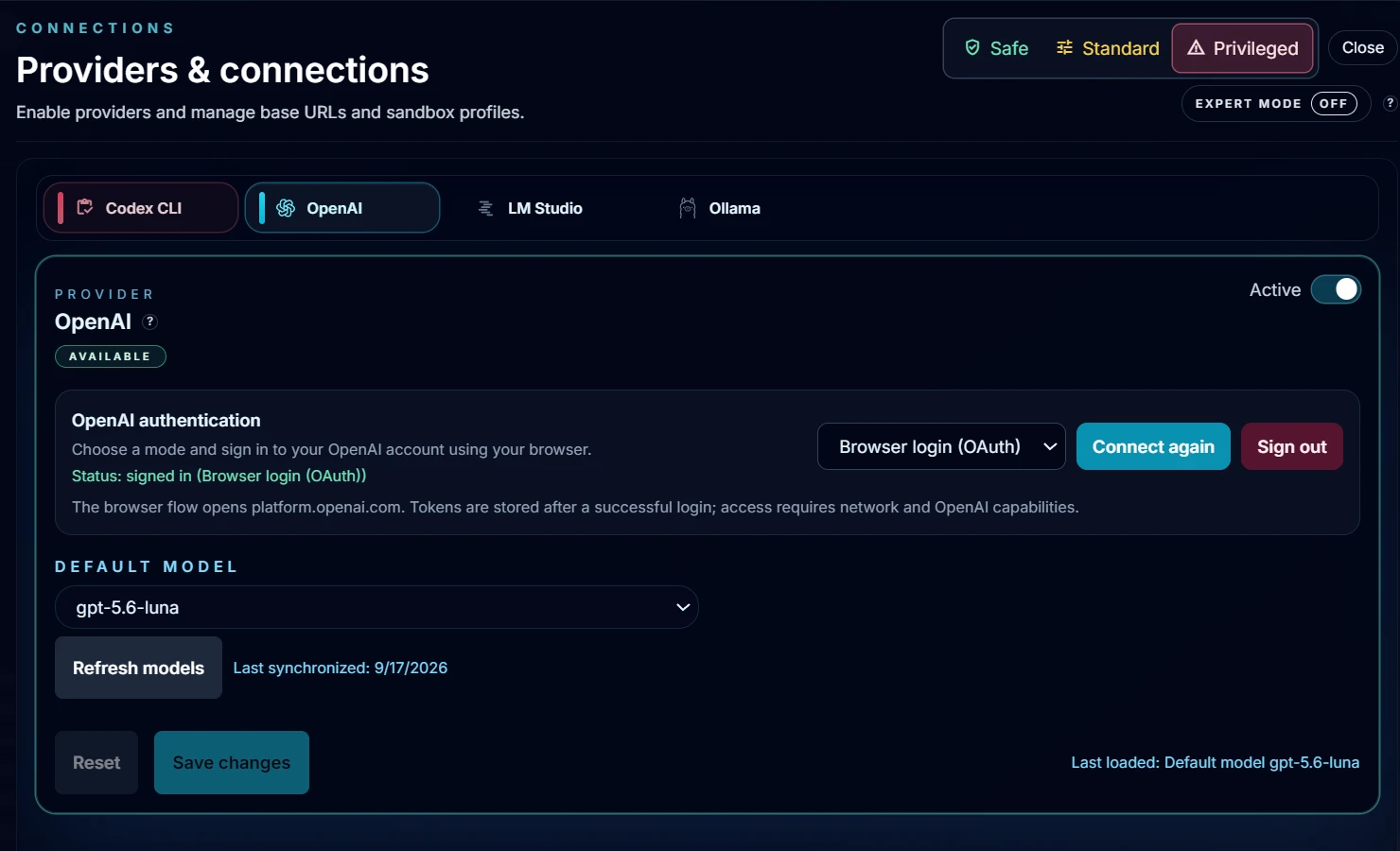
Use Morana with your ChatGPT account through browser login, with an OpenAI API key, with local models through LM Studio or Ollama, with ElevenLabs voices or local speech output - and extend her through plugins, tools and MCP servers.

Models

Online or local: ChatGPT login, OpenAI API key, LM Studio or Ollama.

Morana can be used with the AI access you prefer instead of forcing you into a single path.

Voice

Voice according to your setup: ElevenLabs or local speech output.

This keeps Morana flexible and adaptable on the voice side as well.

Extension

Extendable through plugins, tools and MCP servers.

Morana is not limited to a fixed feature set, but can connect to additional workflows and systems.

Creative workflows

Prepared for creative workflows, for example image generation with ComfyUI.

This lets Morana grow beyond everyday work into creative and productive extensions.

Control

Morana executes. You stay in control.

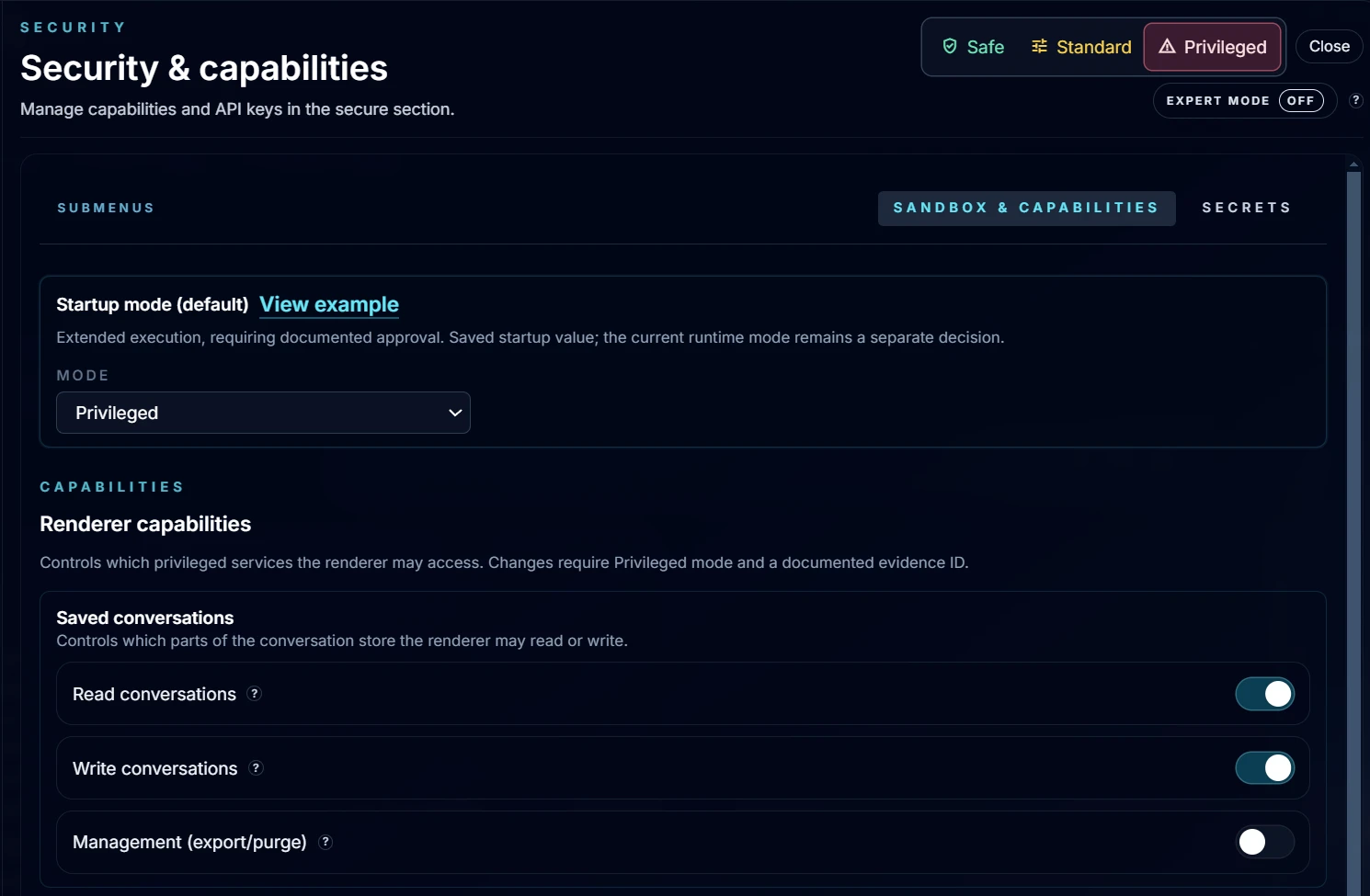
Morana works visibly, traceably and under control, so AI help does not become a black box.

Workflow

Steps stay readable.

Even longer workflows remain presented in a way you can understand and assess.

Approval

You decide on important steps.

Morana does not work blindly in the background. Important steps stay steerable.

History

Results and history stay traceable.

You can see at any time what happened, what was completed and how a result came about.

FAQ

The most important questions about Morana.

Short answers: what Morana is, what she can do and why she is more than a chat or an avatar.

Is Morana just a chatbot?

No. Morana is an AI system that brings conversation, visibility and execution together. She helps not only with answers, but with real workflows.

Is Morana just an avatar?

No. The avatar is the visible surface. Morana herself is the system behind it, bringing speech, overview and execution together.

What can Morana actually do?

Morana can connect apps, files, mail, calendars and tasks and turn them into useful workflows. It is not just about individual commands, but about real support in everyday work.

Does Morana only work in one app?

No. Morana is not limited to a single window. She is designed to work across multiple programs and make context usable.

Does Morana keep things in view between tasks?

Yes, if you want her to. Approved context, preferences and selected knowledge help Morana work more meaningfully. That context remains controllable by you.

Does Morana act blindly in the background?

No. Morana works visibly and traceably. For important steps, you decide, and you can understand what is happening at any time.

Do I have to use Morana with a specific AI service?

No. Morana is meant to adapt to your setup. Whether local, online or combined: usage stays flexible.

Who is the beta for?

For everyone who wants not only to see Morana, but to experience her on their own computer and test her in everyday work.